
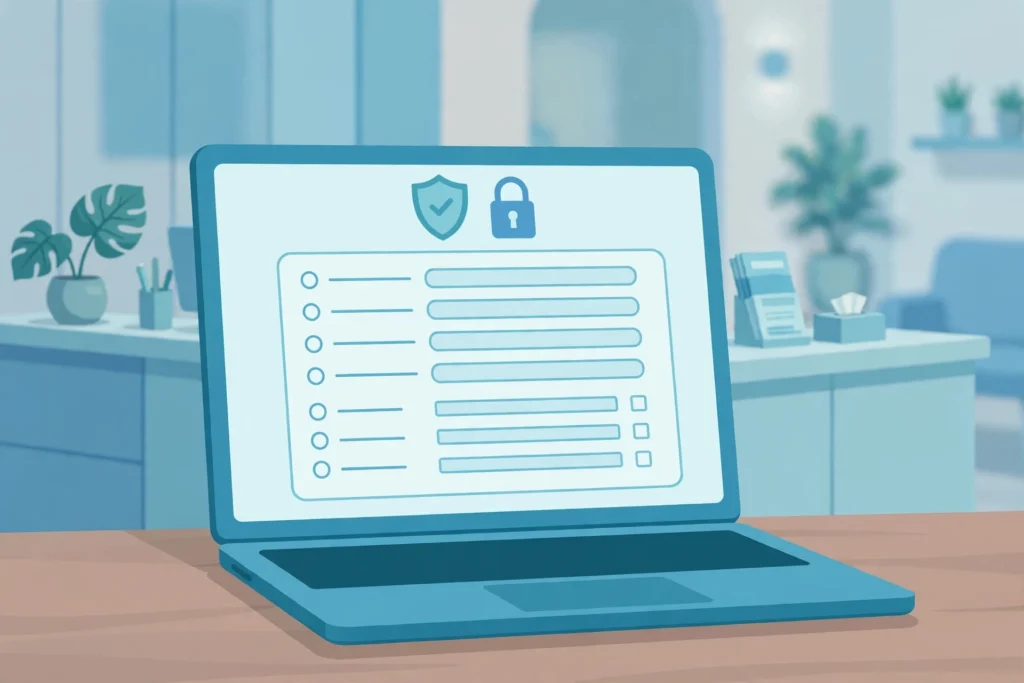
If your clinic, therapy practice, or dental office collects patient details online, you need HIPAA compliant forms with JotForm set up correctly from day one. A form that looks professional is not enough. It must protect patient health information from submission to archive. This guide explains what that means, what JotForm provides, and the mistakes to avoid.
What HIPAA compliance means for online forms
HIPAA is the US law that protects patient health information. It applies to clinics, hospitals, dentists, therapists, and insurers, and to business associates who handle patient data for them, such as billing companies. When a patient fills in an online form, the data is protected health information if it relates to their health, care, or payment and can identify them, for example a name plus an appointment reason, diagnosis, medication list, or insurance number.
Compliance covers both technical controls (encryption, access, audit trails, storage) and admin work (policies, training, contracts). A form builder helps with the technical side, but it cannot make your practice compliant on its own. For every field, ask why you need it, who will see it, and how long you will keep it. If you cannot answer all three, leave the field off.
The BAA with JotForm
A Business Associate Agreement, usually called a BAA, is a contract required by HIPAA whenever a vendor handles protected health information for you. It sets out what the vendor will do to protect the data, how it will report a breach, and what happens when the contract ends. Without a signed BAA, you should not use a form builder for patient data, even if the builder offers encryption and other security features.
When you build HIPAA compliant forms with JotForm, the BAA comes with the Gold and Enterprise plans that offer HIPAA features, not the free plan or the Bronze or Silver plans. Enable the HIPAA features in your account, then request and sign the BAA before you collect any patient data through JotForm, and keep a copy with your compliance records. If you already have forms collecting patient data and no BAA is in place, stop collecting through those forms until the agreement is signed.
A BAA splits responsibility: JotForm protects data on its platform, and your practice is responsible for how your team collects, uses, shares, and stores it.
Encryption, in transit and at rest
Encryption turns readable data into scrambled text that only authorized systems can read. For patient forms, you need it in two places: in transit, while data travels from the patient device to the server, and at rest, while it sits in storage.
JotForm uses secure HTTPS for data in transit, and the Gold and Enterprise plans with HIPAA features enabled include encryption for stored submissions. Your side matters just as much: never forward submissions to a personal inbox, download patient data to an unencrypted laptop, or share submission links in uncontrolled chat tools.
How HIPAA compliant forms with JotForm control access
Access control means each staff member sees only the patient data they need. A receptionist may need appointment details, a billing clerk insurance details, and neither needs full clinical notes. When everyone can open every submission, a single compromised login exposes everything.
Give each staff member a separate account with minimum access for their role, never share one login, and turn off access the day someone leaves. Note: JotForm says Enterprise is its only multiuser plan, so separate team accounts may need Enterprise rather than Gold. Confirm the plan that fits your team size before you set up access.
Audit trails record who viewed, edited, or exported each submission. JotForm HIPAA features include activity logs. As good practice, review them regularly, for example monthly, and keep a note of each review.
E-signatures on patient forms
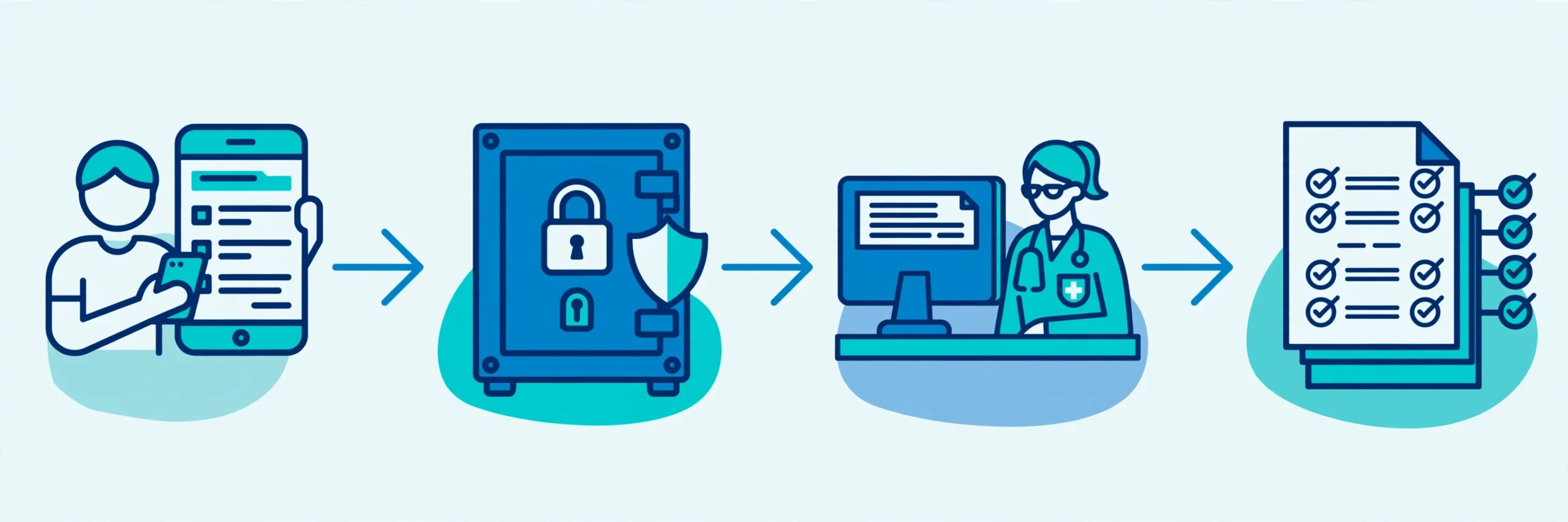
Many clinics now collect consent, intake, and financial agreements online with e-signatures. Under HIPAA, the issue is whether the signed document is stored securely, and whether you can prove who signed it and when.
Use the e-signature feature inside your Gold or Enterprise plan with HIPAA features enabled instead of asking patients to print, sign, photograph, and email a form. Store the signed form under the same access controls as your other patient records.
What NOT to collect on your forms
The safest patient data is the data you never collect. Before you add a field, ask whether you need it to provide care, schedule the visit, or bill correctly. If the answer is no, leave it off.
Risky fields include full Social Security numbers on intake forms, detailed mental health history on a first contact form, and open text boxes inviting long medical stories. A Social Security number is rarely needed at intake. A short structured question, such as current medications with dose, gives your team what it needs.
Keep marketing and clinical forms separate, so health details never land in a tool without a BAA.
An illustrative example: a patient intake form that works
The following is an illustrative example, not a real client case.
A small physical therapy clinic used paper intake forms: patients filled them in at reception, staff scanned them at day end, and copies sat in a tray until filed. Forms went missing, handwriting was hard to read, and nobody could say who had seen each form.
The clinic replaced it with an online intake form on its Gold or Enterprise plan with HIPAA features enabled, asking for contact and insurance details, medications, allergies, visit reason, and a consent signature. Patients complete it at home through a secure link.
Three details made it work in this example: the BAA was signed before launch, each staff member has a role matched login, and paper copies were stopped. Intake takes about five minutes per patient in this illustration instead of fifteen.
Common mistakes that put patient data at risk
Most HIPAA problems with online forms come from ordinary habits, not from hackers. The first is using the free plan or a non-HIPAA plan for patient data. The security features and the BAA are tied to the Gold and Enterprise plans with HIPAA features enabled, so a form on the wrong plan is not compliant even if it looks identical.
The second is email notifications that include patient details. A notification that says a new form was submitted is fine. A notification that includes the full submission puts patient data in an email inbox that may not be secure. Turn off submission data in email notifications, and read submissions inside the secure account instead.
The third is sharing submission links. A link to a single submission is as sensitive as the submission itself. Do not paste it into a team chat or a message to a colleague. If a colleague needs to see a submission, give them access through their own account. The fourth is keeping data forever; set a retention rule and delete on schedule. The fifth is skipping staff training; train every new hire before granting access.
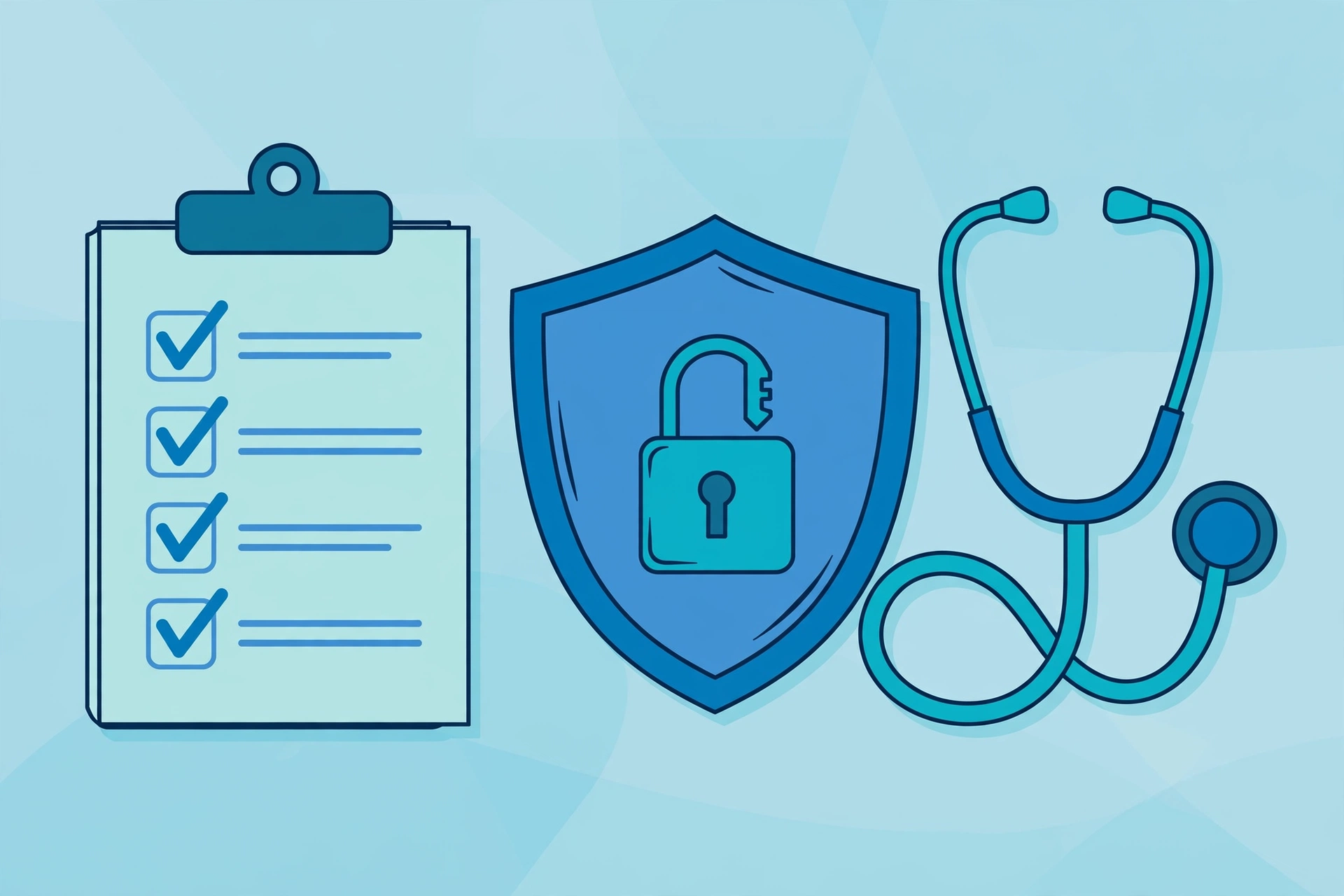
Your HIPAA forms checklist
Use this checklist before any patient form goes live, and again every time you change a form.
- BAA signed with JotForm and filed, before any patient data is collected.
- Form is on the Gold or Enterprise plan with HIPAA features enabled, not the free plan or a standard plan.
- Every field has a clear reason, a defined viewer, and a retention period.
- Email notifications do not include submission data.
- Each staff member has a separate login with role based access.
- Audit logs are reviewed regularly, for example monthly, with a note of each review.
- Signed forms are stored in the secure account, never in plain email.
- Old submissions are deleted on schedule under a written retention rule.
- Staff are trained before they get access, with a yearly refresher.
- A breach response plan exists, with who to call and what to do first.
Fix any gap before the form goes live.
Getting help with your forms
Setting up HIPAA compliant forms with JotForm is straightforward once the BAA, access, and notifications are set correctly. See the Services page, then book a free discovery call to talk through your forms and a fixed quote before any work starts.
Start building secure forms with JotForm.
Disclosure: This article contains affiliate links. If you buy through them, I may earn a commission at no extra cost to you.
FAQ
Does JotForm offer HIPAA compliance?
Yes. JotForm Gold and Enterprise plans with HIPAA features enabled include a signed BAA, encryption, access controls, and audit logs. You must be on one of those plans with a signed BAA before collecting patient data.
Do I need a BAA to use JotForm for patient forms?
Yes. If JotForm handles protected health information for your practice, HIPAA requires a signed BAA before you collect any patient data.
Can I receive form submissions by email under HIPAA?
You can receive a notice that a submission arrived, but it should not include the patient data itself. Read submissions inside the secure JotForm account.
Are e-signatures on patient forms HIPAA compliant?
Yes, if the signed form is stored securely, access is controlled, and you can show who signed and when. Never ask patients to email photos of signed forms.
Sources
- US Department of Health and Human Services, HIPAA for Professionals: https://www.hhs.gov/hipaa/for-professionals/index.html
- US Department of Health and Human Services, Business Associates: https://www.hhs.gov/hipaa/for-professionals/privacy/guidance/business-associates/index.html
- JotForm, HIPAA Compliance: https://www.jotform.com/hipaa/